



Newer Garmin devices no longer connect to a computer in mass storage mode, but as media devices. This means older Garmin applications cannot be used, and sometimes there may be problems updating the device.
To put the device into mass storage mode, follow these instructions:
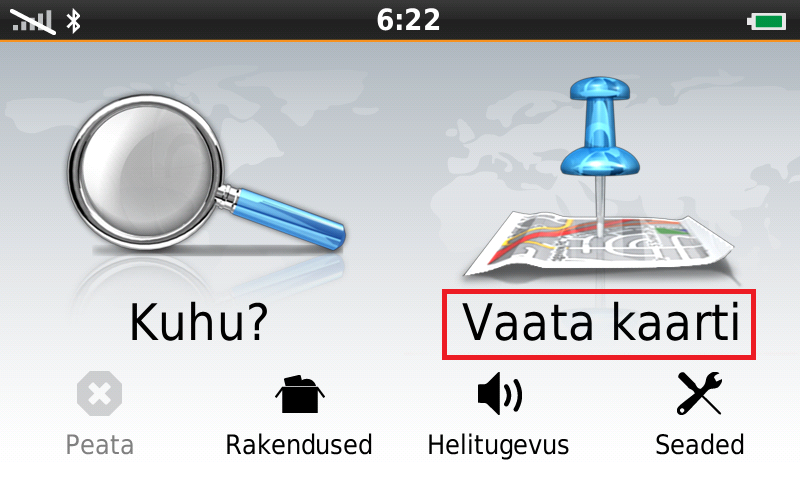
Turn on the device and select View Map!
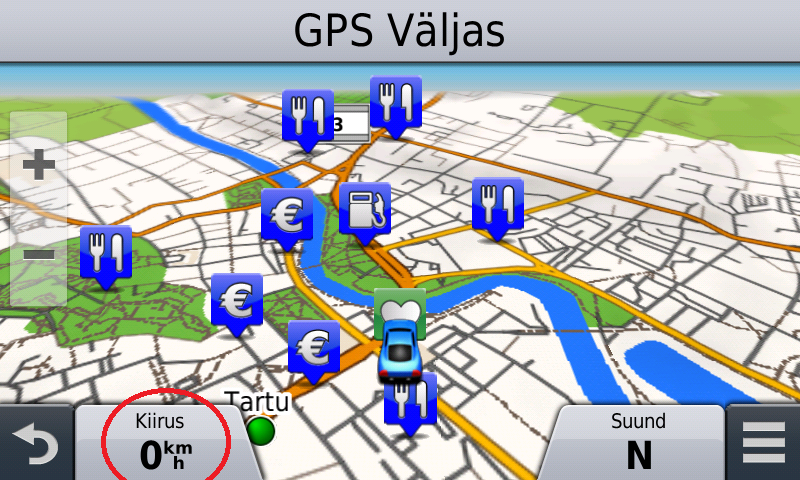
Tap the speed indicator.
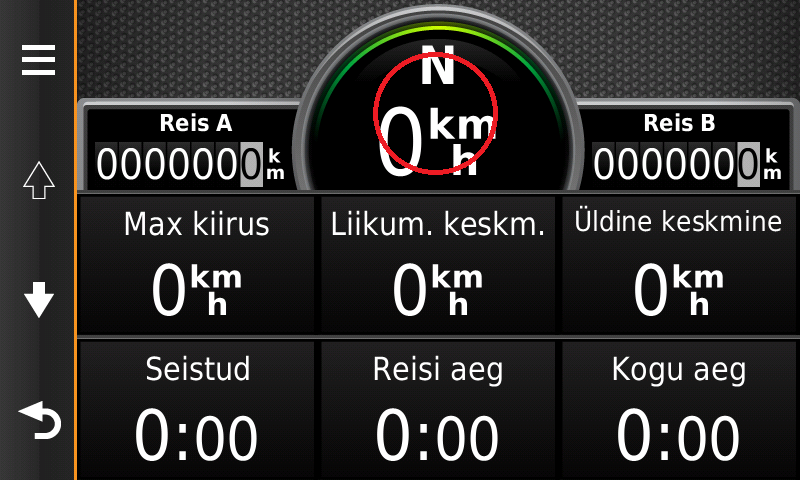
Hold your finger on the speedometer reading until a new menu opens.
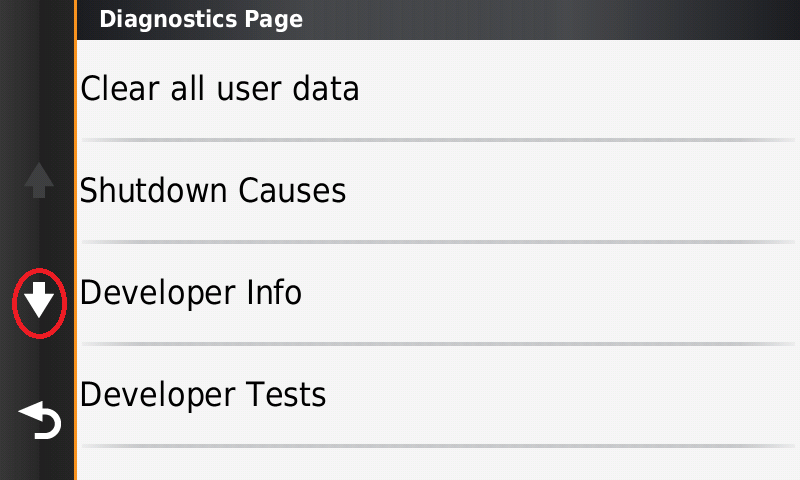
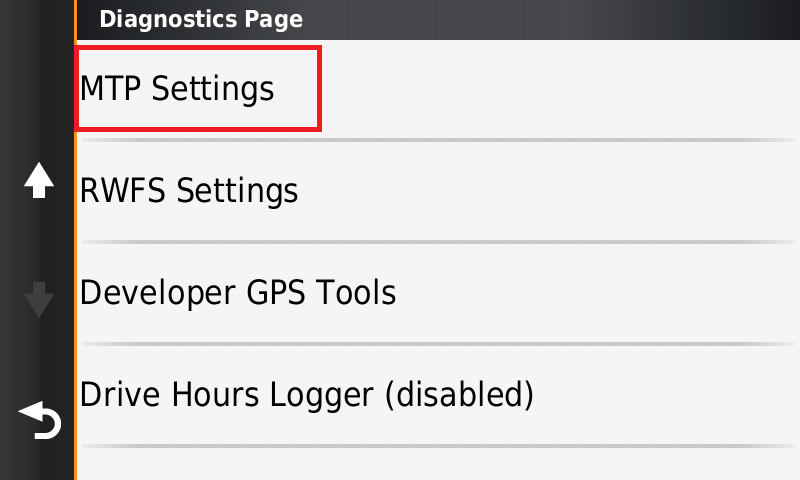
In the menu, press the down arrow until you find MTP settings.
Select MTP Settings.
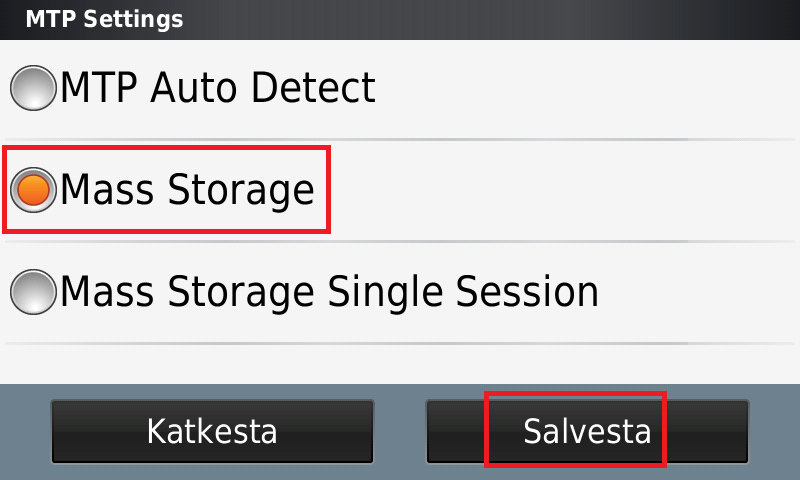
Select Mass Storage and press save.
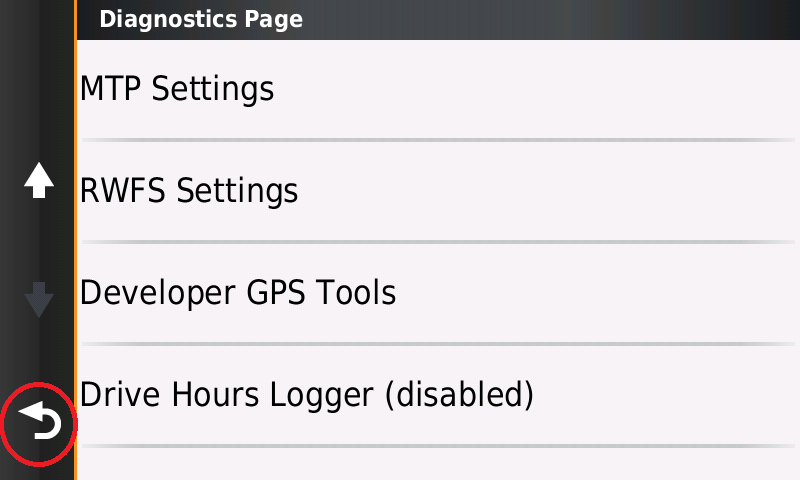
Now return to the main menu screen by holding your finger on the arrow.
Now when you connect the device to a computer, it will be detected in mass storage mode (as a regular USB flash drive).
NB! In mass storage mode you can also access the Garmin system folder ".system"; deleting or modifying files in this folder is at the user's own risk.
The warranty does not cover problems caused by deleting these files.
