



Every Garmin watch has a unique serial number for identification.
The serial number is a combination of 9 letters or numbers printed on the watch, without spaces or hyphens.
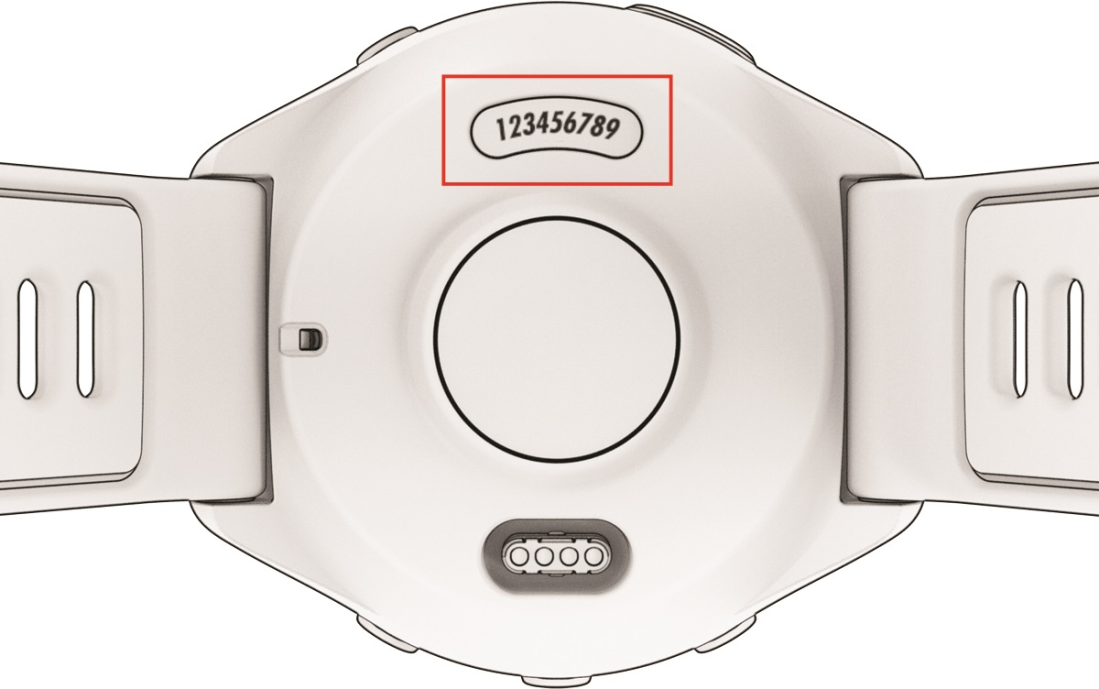
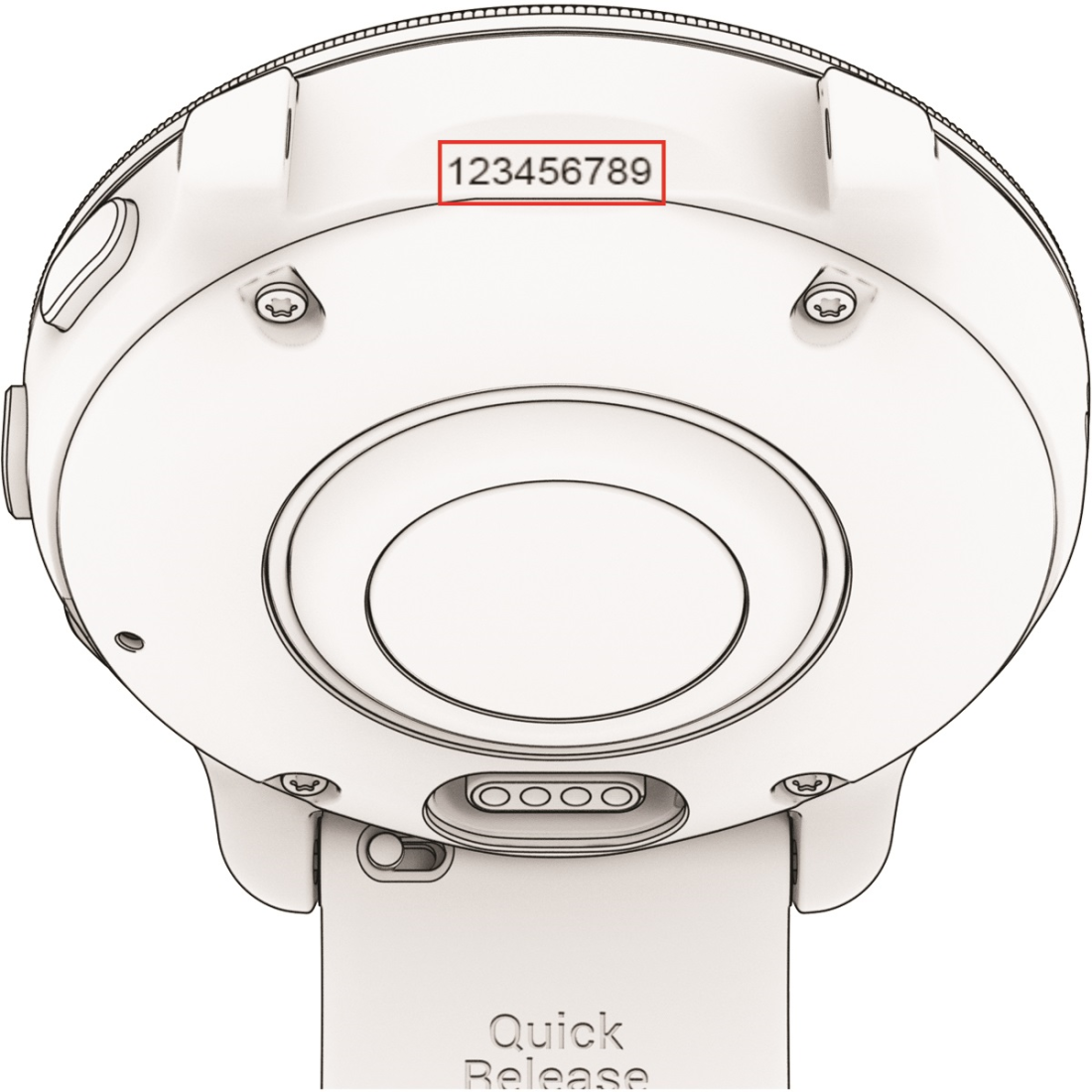
The location of the serial number varies by model.
On the back of the watch
On the watch case, near the band attachment
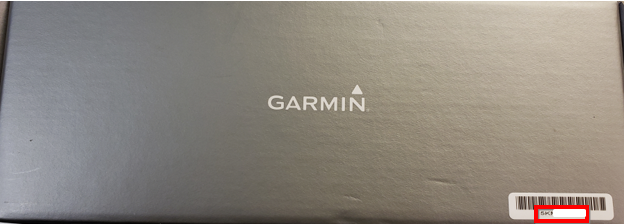
On the watch box
On the Connect.Garmin.com website
- Sign in to your Garmin Connect account in a web browser.
- Select the watch icon (Devices and sync status) in the top right corner.
- Select your Garmin device.
- Your serial number is shown at the top of the page, below your device name.

