How to change map regions on Garmin Travel Edition devices?
Download Garmin Express: garmin.com/express
If you have a Zūmo 395 Travel Edition (010-01602-1W) or Zūmo 595 (010-01603-1W) Travel Edition:
- •Update the device software and maps by selecting “Install all”
- •After the update, select “Map Options”
- •Select “Change Map”
- •Press “Continue”
- •Select the desired region map from the menu
- •Press “Continue”
Note! The maps on the device will be replaced with the map of the region you selected. To change the map again, repeat the steps above.
Travel Ed. map regions:
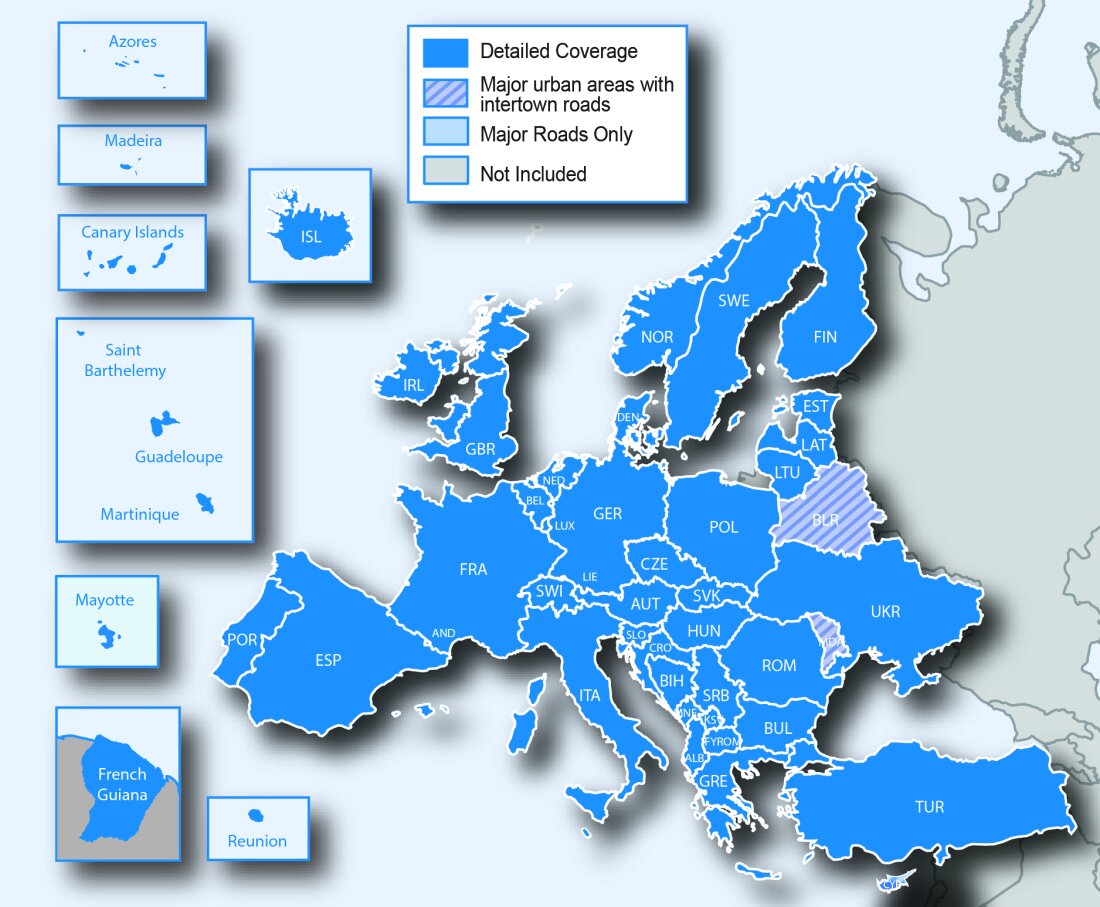
Europe
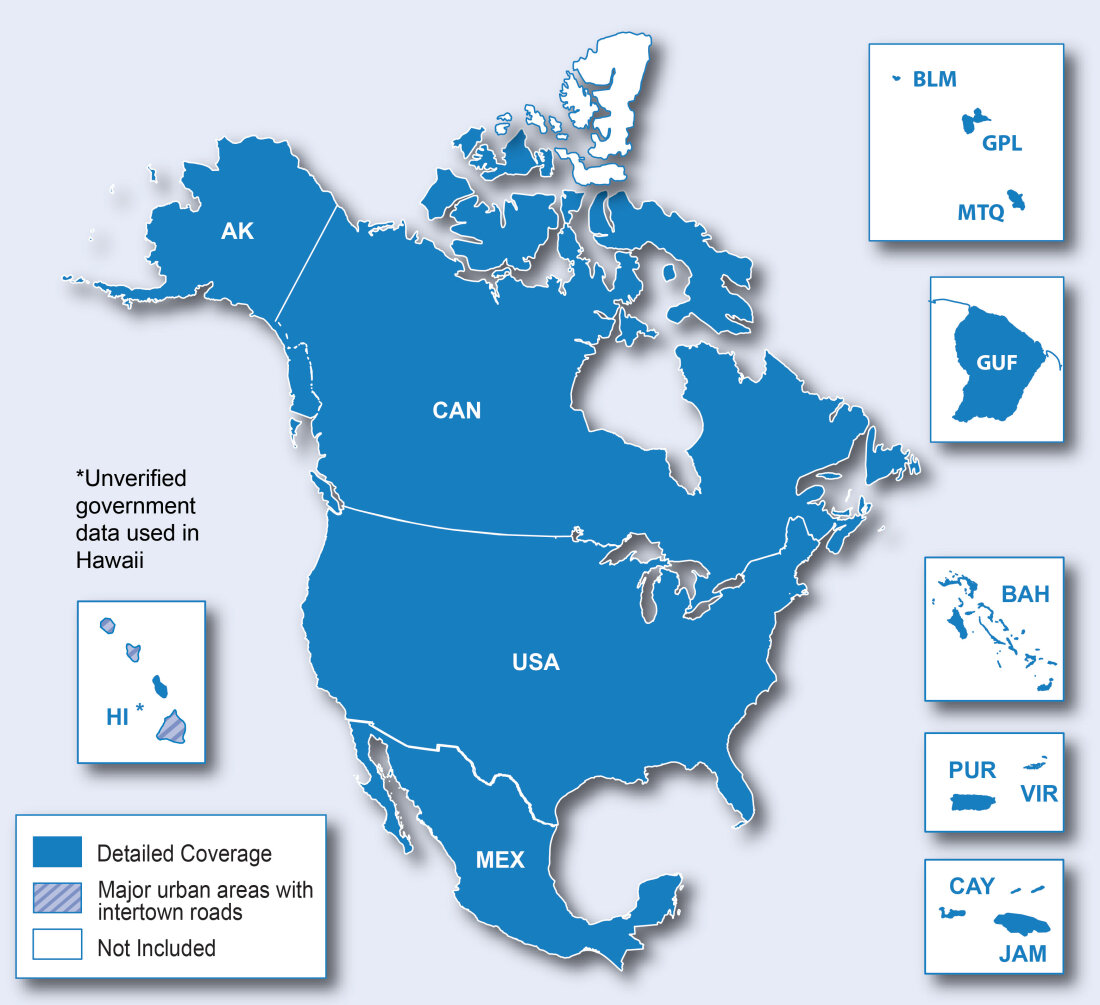
North America
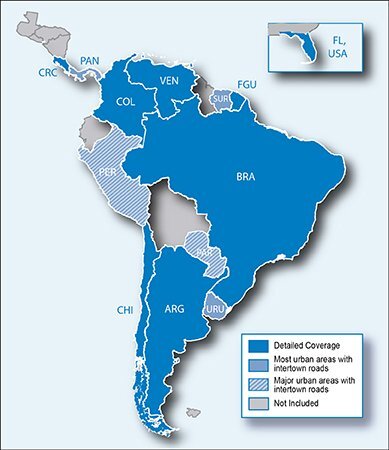
South America
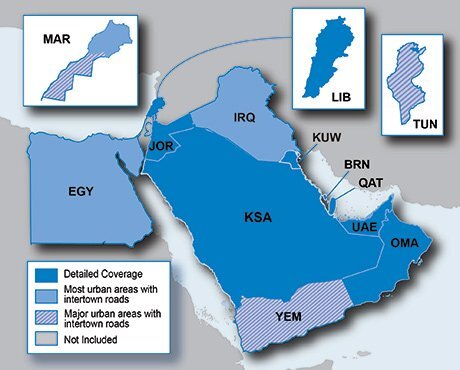
Middle East and North Africa
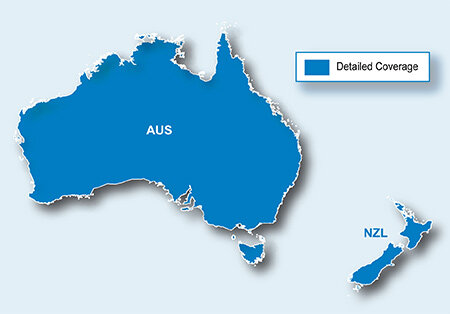
Australia and New Zealand
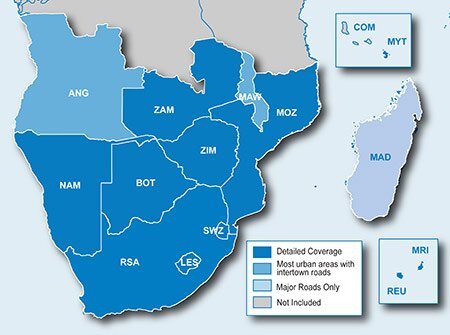
Southern Africa