



Everything you need, always on your wrist

16.07.2021
 Reading time: 5 minutes
When I first heard about the Garmin Pay feature on Garmin watches, I completely misunderstood how it works. At first I thought that to pay with my watch, I'd always need to carry a phone with an internet connection. And I was far from the only one who thought so. When it came up with friends and acquaintances, they thought the same. In fact, you don't need a phone to pay with your watch. I found out the truth by chance - I paid with my watch in a shop and only afterwards realised I didn't have my phone with me, yet the payment went through :).

Photo: Jakob Meier
Since that pleasant discovery, it has long been a great help to me when training. I can go for a run without worrying about having enough water and food. If I get thirsty or hungry, I make a quick stop at a petrol station or shop. For example, I start all my long runs with a flask holding just 250ml of water (I don't run with my phone) and buy whatever extra water I need along the way.
Garmin Pay has made my life easier on bike rides too. Although I do carry my phone and bank card then, they're packed in a waterproof bag against possible rain, in the back pocket of my cycling jersey. Unpacking them at every drink or food stop is especially tedious. I very often ride the road between Tartu and Pärnu, and in hot weather I have to top up my drinks twice. Paying with my watch makes it quick and convenient.
- Rait Ratasepp
What do you need to start using Garmin Pay?
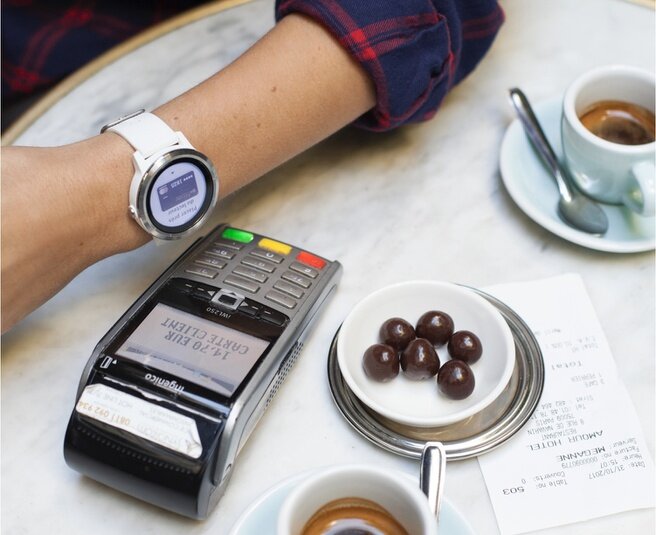
- A Garmin smartwatch that supports contactless payments.
- A bank card from a bank that supports Garmin Pay, with contactless payments enabled.
- An online banking account with that bank.
- Install the Garmin Connect app, sync it with your smartwatch and register your bank card in the Garmin app's Wallet.
How to link your card to the service?
- Download the Garmin Connect app to your phone.
- Open the app, find „Garmin Devices“, select your smartwatch and tap „Add Device“.
- Accept the Garmin Pay terms of use.
- In the app, select „Garmin Pay“ and then „Create Your Wallet“.
- Create a 4-digit passcode.
- Select the card type.
- Add the card by entering the required card details, e.g. card number, expiry date and CVV code.
- Accept the terms of use.
- A one-time verification code will be sent to your online banking notifications.
- Enter the verification code in the Garmin app.
You're now ready to pay with your smartwatch.
How to open the wallet on your device?
- Press and hold the watch's main action button to open the controls menu.
- Tap the Wallet icon.
- Enter your 4-digit passcode.
Your wallet is ready to use.
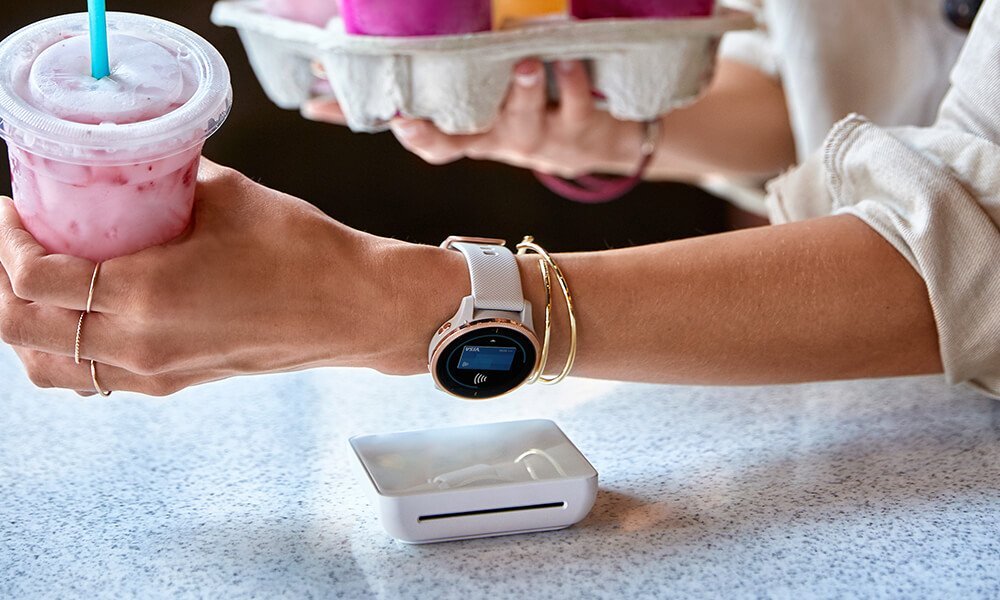
How to pay with your smartwatch?
- Press and hold the smartwatch's main action button or menu, then tap the Wallet icon.
- Select the card you want to pay with (if you've added more than one payment card to your Garmin wallet, the most recently used card is selected by default; to use another card, swipe down to move to the next card).
- Hold your smartwatch near the payment terminal in the shop. Done!
To open the wallet on your smartwatch, you'll need to enter the 4-digit passcode created during wallet setup once every 24 hours, or each time you put the smartwatch back on your wrist or turn the heart rate monitor back on after a pause.
If the payment doesn't go through at the terminal
- Check that the terminal supports contactless payments.
- Make sure NFC is enabled on your device.
- Make sure the terminal detects the nearby device, i.e. the contactless payment indicator lights come on. Try holding the device slightly differently against the terminal so the NFC antenna can connect.
- Check the terminal to see why the payment was declined.
